Use YouTube Movie Maker to manage the uploaded or favorite videos on YouTube, quickly view the recent statistics about your videos on YouTube. Below we provide a step by step guide about how to use YouTube Movie Maker to manage videos on YouTube.
how to use YouTube Movie Maker to manage YouTube videos.
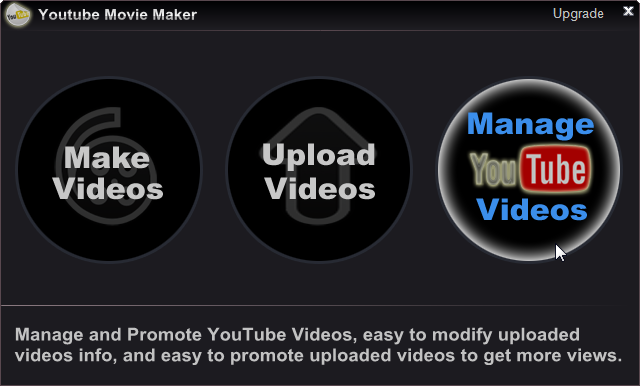
Step 1: Run YouTube Movie Maker, Press "Manage Videos" button.
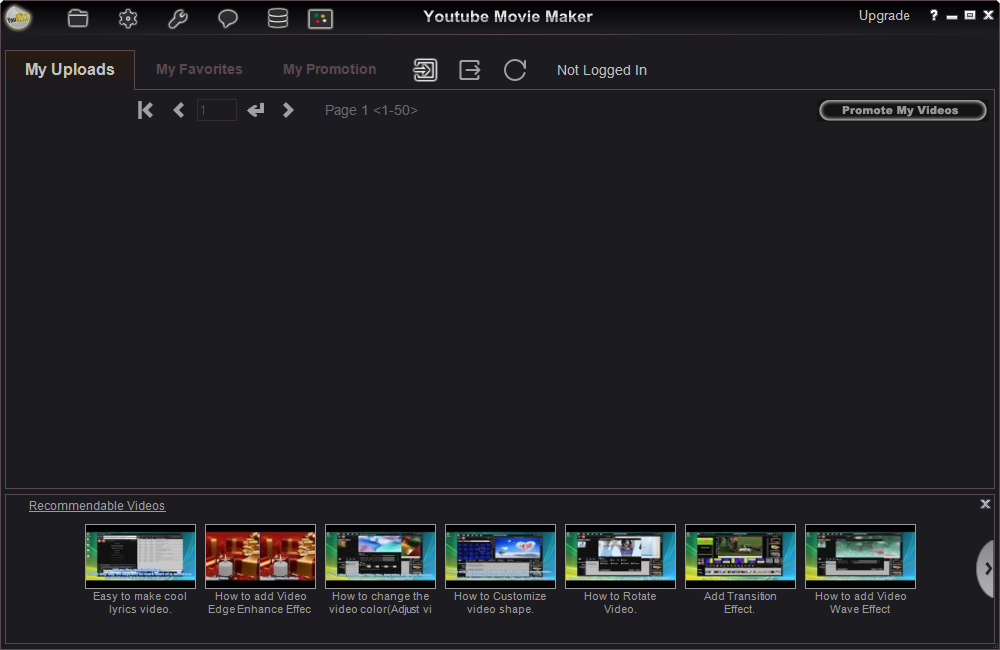
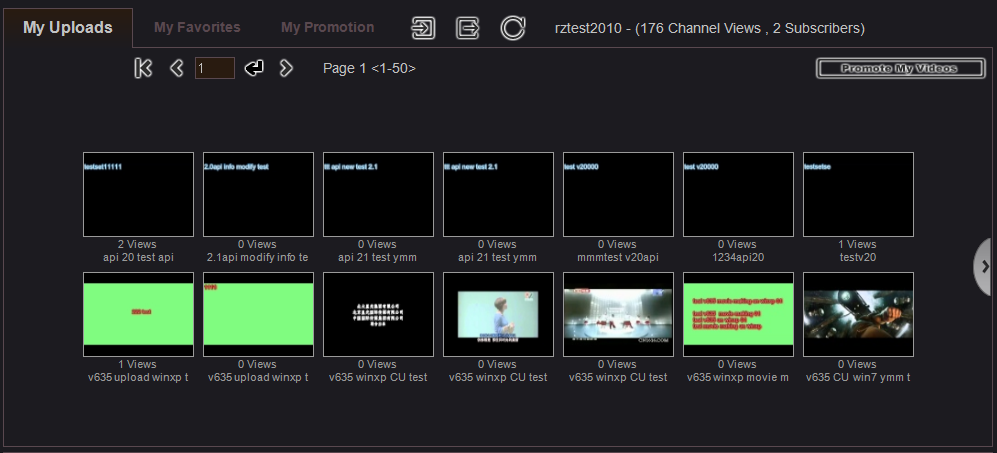
Step 2: Press "Sign In Button " to sign in your YouTube account, once successfully sign in, you will view all uploaded videos in the list, like below.
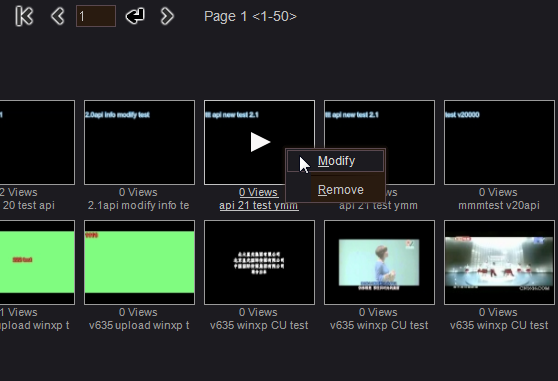
Step 3: Mouse right click video in the list, you can remove uploaded videos from your channel, or modify the uploaded video's Title, Category, Tags, Description, Privacy, etc. like below.
Please Note:
 " or "NextPage button
 " to view videos on other pages.
 " to get the latest data.
 " to logout the current account.