YouTube Movie Maker v8 or above version can be used to record/capture high quality screen videos on computer, with it we can easy to make good quality game playing video, operation tutorial video, product demo video, even directly capture/record high quality videos from media player, etc. for YouTube.
YouTube Movie Maker Screen Capture/Record
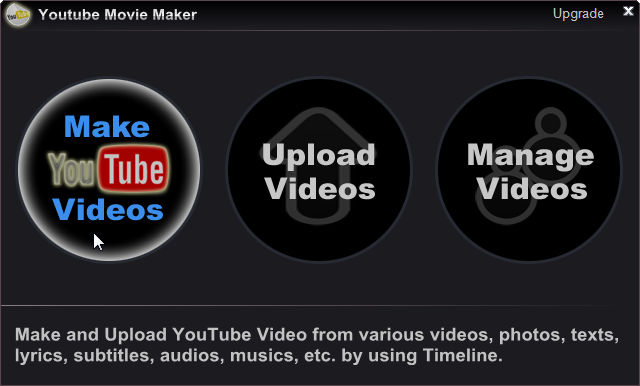
Step1. First run YouTube Movie Maker, Press "Make Videos" button.
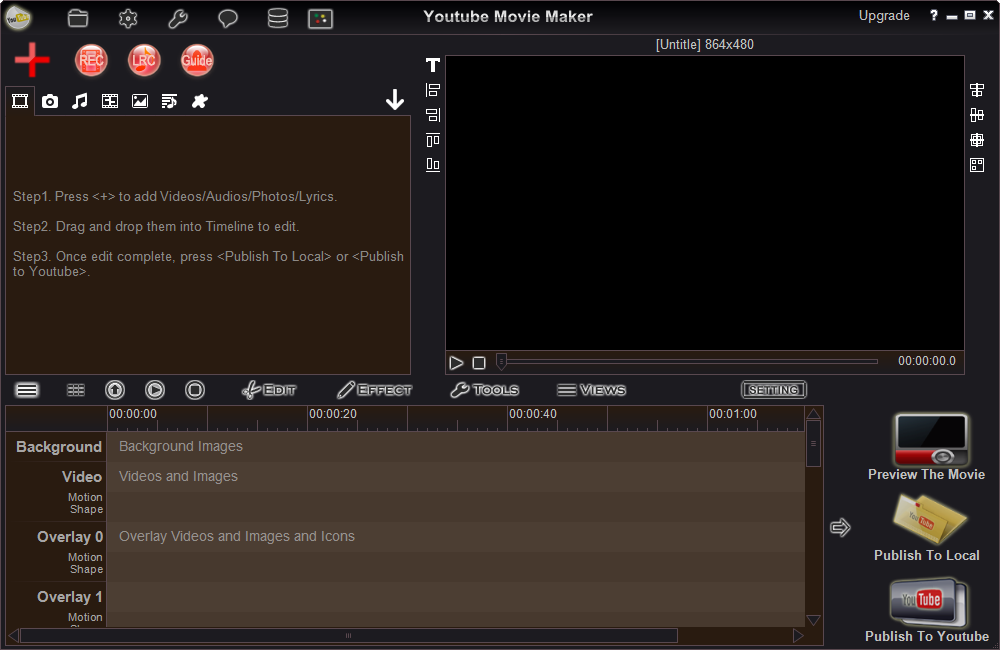
Step2. simply press "REC " button goto Capture windows, now you could press "Start" button to record high quality screen videos easily on your computer, like below.
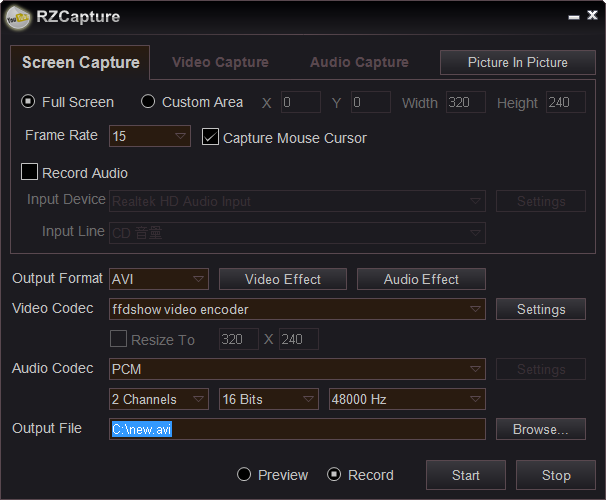
"Full Screen" & "Custom Area"
If you would like to record full screen video, please simply check "Full Screen" option, or if you just would like to record a specified area video, please simply check "Custom Area" option, then specify the recording area.
Video Effects
You can press "Video Effect" button to add special effects when capture/record videos, for example: change lightness, saturation, contrast, darkness, greyscale, invert color, etc.
Picture In Picture
You can press "Picture In Picture " button to record videos from multiple sources at the same time, for example: you can easy to capture/record videos from multiple cameras at the same time.